The new game launcher has arrived! Check out what’s new

Blokoto is a sandbox game where you choose the games through the website. For this to work, an intermediary application is required to update and launch the game on your computer.
This intermediary application is the small window that appears before the game starts — the launcher. And today, we are releasing an update that brings very cool new features for players.
The main goal of this update is to increase accessibility for players who were having trouble launching the game.
New Splash Screen
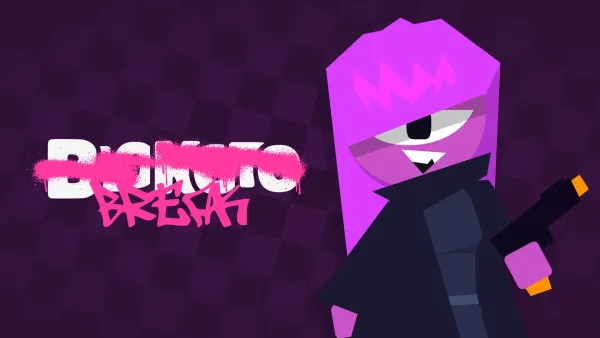
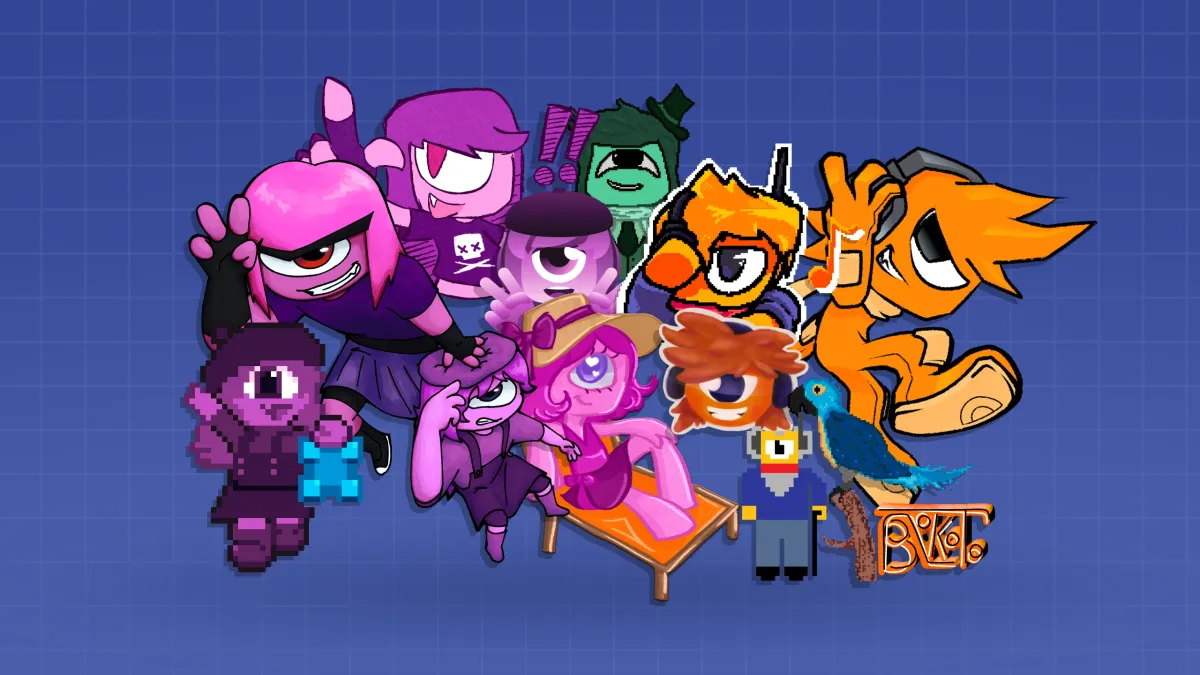
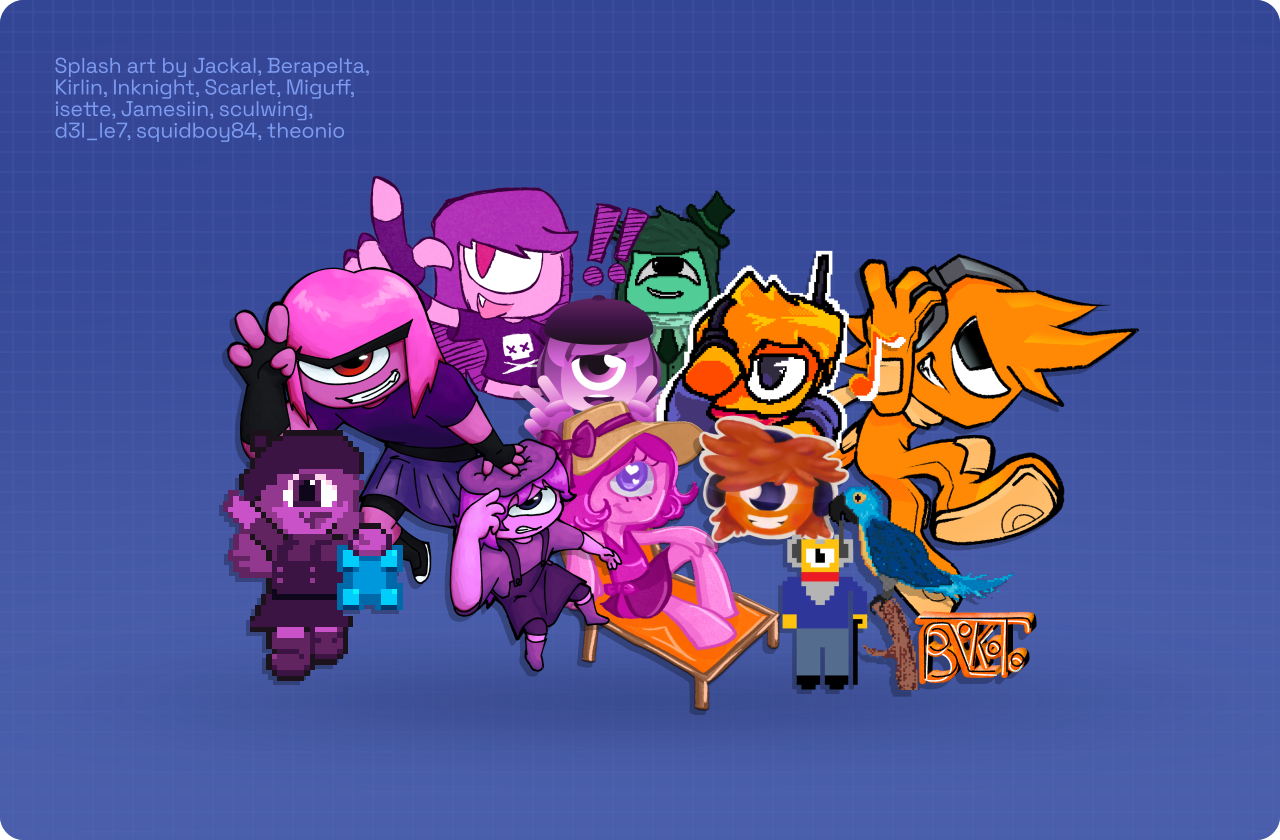
The launcher now features a new Splash Screen created with artwork from users who participated in the Splash 2026 event. Participants will receive a special badge for taking part.
Settings Menu
Some players have computers that do not support either DirectX 12 or Vulkan, which are the renderers supported by the game. Because of this, in previous versions of the launcher it was possible to enable compatibility mode by pressing the C key, but this functionality was hidden behind a key press and did not clearly explain what it did.
For this reason, in this version we added a settings button that allows you to choose the renderer. If you prefer to use Vulkan, or if your computer does not support modern renderers and you need to use OpenGL 3 as a compatibility mode, you can select both options in this new section.
On Windows computers, the game will also start using DirectX 12 by default, as it is more compatible than Vulkan on most drivers developed for the system.
Smaller size
The launcher now takes up much less space on your computer and has been optimized to be faster.
Install the new version
To update your launcher, simply open the game through the website. If you don’t have it installed yet, you can download the installer from the game’s download page.